Size of a Business Card: Standard Dimensions and Setup Guide
By Manny Torres · November 12, 2026
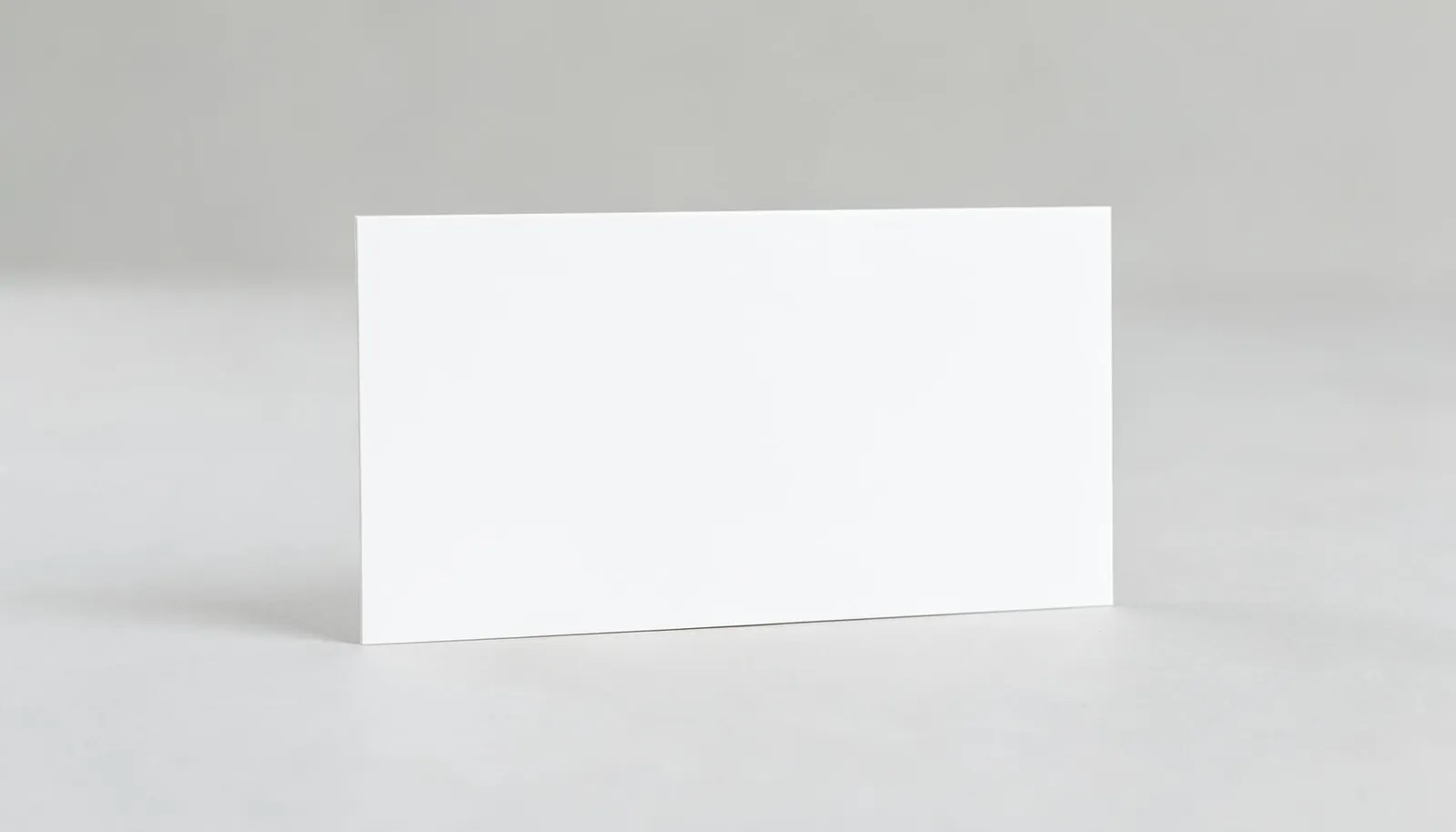
The standard size of a business card in North America is 3.5 x 2 inches (8.89 x 5.08 cm). This is the size every wallet, card holder, scanner app, and commercial printer on this continent is built around, and it’s the only size 360 Print Studio produces for business cards.
What is the standard size of a business card?
The standard size of a business card across the US and the rest of North America is 3.5 inches wide by 2 inches tall. It’s a fixed format used by printers, design software, CRM scanning apps, and the card slots in wallets and holders, which is exactly why it has never meaningfully changed.
That consistency is intentional. A business card only works as a networking tool if it fits where people expect it to fit. Deviate from 3.5 x 2 and a card may get trimmed awkwardly at a local copy shop, jam a card scanner, or simply look out of place next to every other card in someone’s holder. For reference, some regions use different formats: much of Europe prints to 85 x 55mm, and a few Asian markets use slightly taller cards. 360 Print Studio prints only the 3.5 x 2 inch North American standard, so every file we receive is built to that single spec.
Business card size in cm and pixels
In metric terms, a standard business card measures 8.89 x 5.08 cm. In digital terms, that’s 1050 x 600 pixels at the 300 DPI resolution required for sharp commercial print.
| Format | Trim size | With bleed | Resolution needed |
|---|---|---|---|
| Inches | 3.5 x 2 in | 3.75 x 2.25 in | 300 DPI |
| Centimeters | 8.89 x 5.08 cm | 9.53 x 5.72 cm | 300 DPI |
| Pixels (final) | 1050 x 600 px | 1125 x 675 px | 300 DPI |
If you’re designing in a program that defaults to 72 DPI web resolution, resize the canvas before you start — scaling up a low-resolution file after the fact introduces blur that shows up fast on a surface this small. Most layout software (Adobe InDesign, Illustrator, Canva’s print templates) lets you set both the document size and resolution at the same time, so build the bleed size into your initial canvas rather than adding it later.
How to set up bleed and safe zone for a 3.5x2 card?
Set your document to 3.75 x 2.25 inches, which adds a 0.125-inch bleed on every side of the 3.5 x 2 trim size. Then keep all text, logos, and important graphics inside a 0.125-inch safe zone measured inward from the trim line, not the document edge.
Here’s why both margins matter:
- Bleed (outer 0.125 in): Any background color, image, or pattern that touches the edge of the card needs to extend fully into this zone. Without it, tiny shifts in the cutting process can leave a thin white sliver along one edge.
- Safe zone (inner 0.125 in): Text, phone numbers, and logos placed too close to the trim line risk being cut off if the blade shifts even slightly during production. Keep anything you can’t afford to lose inside this boundary.
- Trim line (the actual 3.5 x 2 edge): This is where the card is physically cut. It’s a guide, not a design element — nothing should be designed to land exactly on it.
These margins aren’t arbitrary. They account for the mechanical tolerance of commercial cutting equipment, which can shift by a fraction of a millimeter even on a well-calibrated press. Building bleed and safe zone into your file from the start — rather than trying to retrofit them before submitting — is the single most common fix that keeps a design job from bouncing back for a reprint.
Horizontal or vertical: does orientation change anything?
Orientation doesn’t change the dimensions, bleed, or safe zone at all — a vertical card and a horizontal card both use the same 3.5 x 2 inch trim size. The only thing orientation changes is how you arrange content inside that fixed canvas.
Vertical (portrait) cards have become more common in creative and design-forward industries because the layout stands out in a stack of mostly horizontal cards, and it mirrors how people hold a phone. Horizontal (landscape) remains the default for most corporate, legal, and real estate cards because it reads left-to-right the way a business letterhead does.
Whichever orientation you choose, the bleed and safe zone rules apply identically — just rotate your mental map of “top and bottom” versus “left and right” edges. If you’re designing cards for a real estate team, it’s worth seeing how The Best Business Cards for Realtors in 2026 breaks down layout choices specific to that industry, and our realtors page covers card and collateral bundles built for that audience.
What do rounded corners do to your layout?
Rounded corners trim off roughly 0.125 to 0.1875 inches from each corner of the card, cutting into a small triangular area that’s easy to overlook during design. Any text, border line, or logo element sitting in that zone will get visibly clipped once the corner is rounded.
This is where a lot of otherwise clean designs run into trouble. A thin border that traces the full rectangle of the card, for example, will show an obvious gap once the corners are rounded off, because the border was drawn to match square corners. The fix is simple: either pull decorative borders in from the edge by at least a quarter inch, or design them to follow the actual rounded path rather than a square one.
“We see designers forget the corner radius more than almost anything else on a business card file,” says Manny Torres, CEO of 360 Print Studio. “A square-corner proof looks perfect on screen, then the client gets a rounded card with half a logo mark missing from one corner. It’s a five-minute fix if you catch it before you submit the file — a much bigger headache if you catch it after 1,000 cards are already cut.”
Which stock and finish should a standard card use?
16PT card stock is the premium standard for business cards because it holds a professional thickness and rigidity without feeling flimsy in a hand or a card holder. The finish you pair with it — matte, UV gloss, or silk lamination — should be chosen based on how much fine text and small type the card carries.
| Finish | Best for | Effect on thin type |
|---|---|---|
| Matte | Text-heavy cards, minimalist layouts | Crisp edges, no glare, easiest to read at small sizes |
| UV gloss | Bold color blocks, photography, logos | High shine and contrast, but can slightly soften very fine serif type |
| Silk laminate | Premium feel, mixed text and imagery | Smooth texture with good readability, a middle ground between matte and gloss |
Thin type is where finish choice matters most. Matte lamination keeps hairline strokes and small sans-serif fonts sharp because there’s no glossy surface to catch light and blur the edges under certain angles. UV gloss, by contrast, adds vibrancy to photos and solid colors but can make very thin serif strokes look slightly less crisp up close. Silk lamination splits the difference, giving a soft, tactile finish that still holds fine detail well.
If your layout leans on small type — a tagline, a credentials line, or contact details in a condensed font — matte on 16PT stock is the safer default. Save UV gloss for cards built around bold graphics or photography where shine adds impact rather than competing with readability.
500 business cards · printed both sides, matte $23.41 Configure & order →Pricing scales predictably with volume on a standard 3.5 x 2 card. A run of 500 business cards printed both sides in matte currently costs $23.41 , while stepping up to 1,000 brings the per-card cost down further at $37.37 . For agencies, designers, and print resellers managing card orders across multiple clients, our partners program is built around exactly this kind of recurring, standardized order.
Once your file is built to 3.75 x 2.25 inches with bleed, text safely inside the trim line, and a 16PT stock and finish matched to your layout, you’re ready to submit. 360 Print Studio prints to the 3.5 x 2 inch North American standard exclusively — it’s the format cited by industry references like the Printing Industry Association for commercial card production, and it’s the only size that guarantees your card fits every holder, scanner, and wallet your contacts already own. You can start a file directly on the business cards product page whenever your design is ready.
Ready to order premium business cards?
Get instant pricing →Frequently Asked Questions
What is the standard size of a business card?
The North American standard is 3.5 x 2 inches (8.89 x 5.08 cm). This is the size used by nearly every printer, card holder, and wallet slot across the US and the rest of the continent.
What file size should I use to design a business card?
Build your file at 3.75 x 2.25 inches to account for a 0.125-inch bleed on all sides, then keep text and logos inside a 0.125-inch safe zone from the final trim line.
What is business card size in cm?
3.5 x 2 inches converts to 8.89 x 5.08 cm. At 300 DPI, that's 1050 x 600 pixels for the final trimmed size, or 1125 x 675 pixels including bleed.
Do rounded corners change how I should design my card?
Yes. Rounded corners trim roughly 0.125 to 0.1875 inches off each corner, so any text, border, or logo element placed too close to the edge can get visibly clipped.
What stock and finish should a standard business card use?
16PT card stock is the premium standard for durability and feel. Matte finish reads best on text-heavy cards, while UV gloss or silk lamination suit cards with bold color and imagery.
Does business card orientation affect the file setup?
No. Vertical and horizontal cards both use the same 3.5 x 2 trim size, bleed, and safe zone. Orientation only changes how you arrange elements inside that fixed canvas.
Do other countries use a different business card size?
Yes, Europe commonly uses 85 x 55mm and some Asian markets use other formats, but 360 Print Studio prints exclusively to the 3.5 x 2 inch North American standard.