Small Business Brochures: How to Choose the Fold and Order It Right
By Manny Torres · September 5, 2026 · Updated October 13, 2026
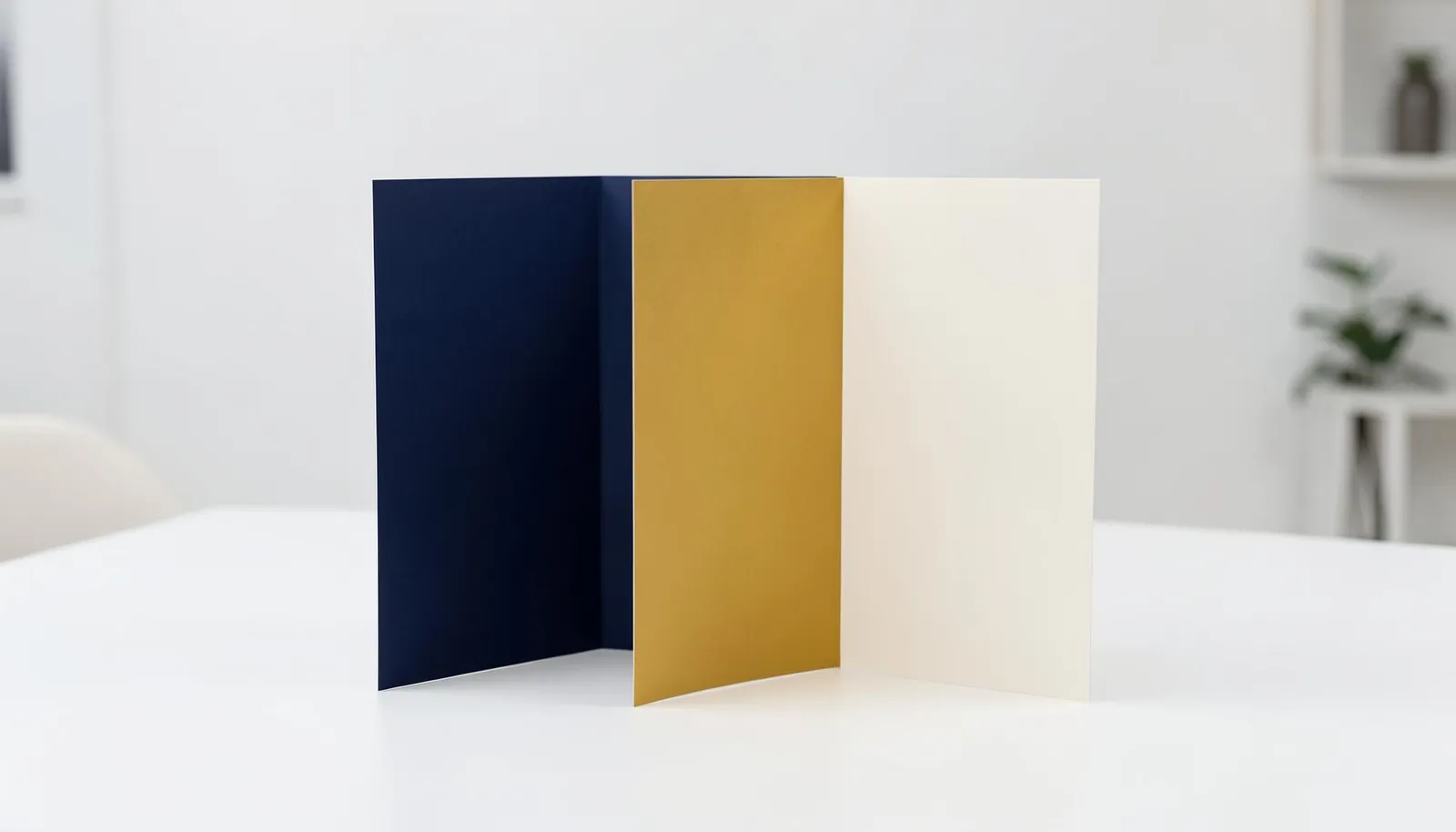
Most advice about brochures is really advice about brochure design: fold geometry, text-to-image ratios, font pairing. That’s useful if you are the designer. It’s less useful if you are the business owner deciding what to actually order, from whom, and in what quantity.
This is the other guide. It covers the decisions that determine whether the brochure works as a sales tool: which fold fits your content, whether you even need a fold, how many to order, and the handful of file specs that keep a run on schedule.
The short version
- The fold is what makes a brochure a brochure. No fold means you ordered a flyer.
- Tri-fold is the safe default. Bi-fold for big images, Z-fold for a step-by-step.
- Folding is a machine step included in the order — you should never be folding a few hundred pieces by hand.
- Order for the full distribution period. Per-piece cost drops fast with quantity, and running out mid-campaign is the expensive mistake.
Do you actually need a fold?
You need a fold only if your content has sections that build on each other. A brochure and a flyer are printed the same way on the same stock, and the fold is the only real difference. It creates panels that move the reader through your content in order: cover, first inside panel, spread, then back. A piece with a single message belongs on a flyer.
If your piece is a single message with one image, such as an open-house announcement, a one-service promo or a menu insert, a flat flyer does that job for less and with one fewer production step. If your piece has sections that build on each other, such as an overview, then services, then proof, then a call to action, that is a brochure. The fold is what keeps the reader on the path.
If you plan to fold it yourself, you did not want a brochure. You wanted a flyer, and folding it by hand will look like it.
Which brochure fold should a small business choose?
Choose a tri-fold unless your content gives you a reason not to. Four folds cover almost every small business case. The tri-fold is the default. A bi-fold suits content led by photography with few sections, a Z-fold suits a step-by-step sequence, and a gate fold gives a premium reveal for a launch or a high-end listing. There are more fold types than anyone needs.
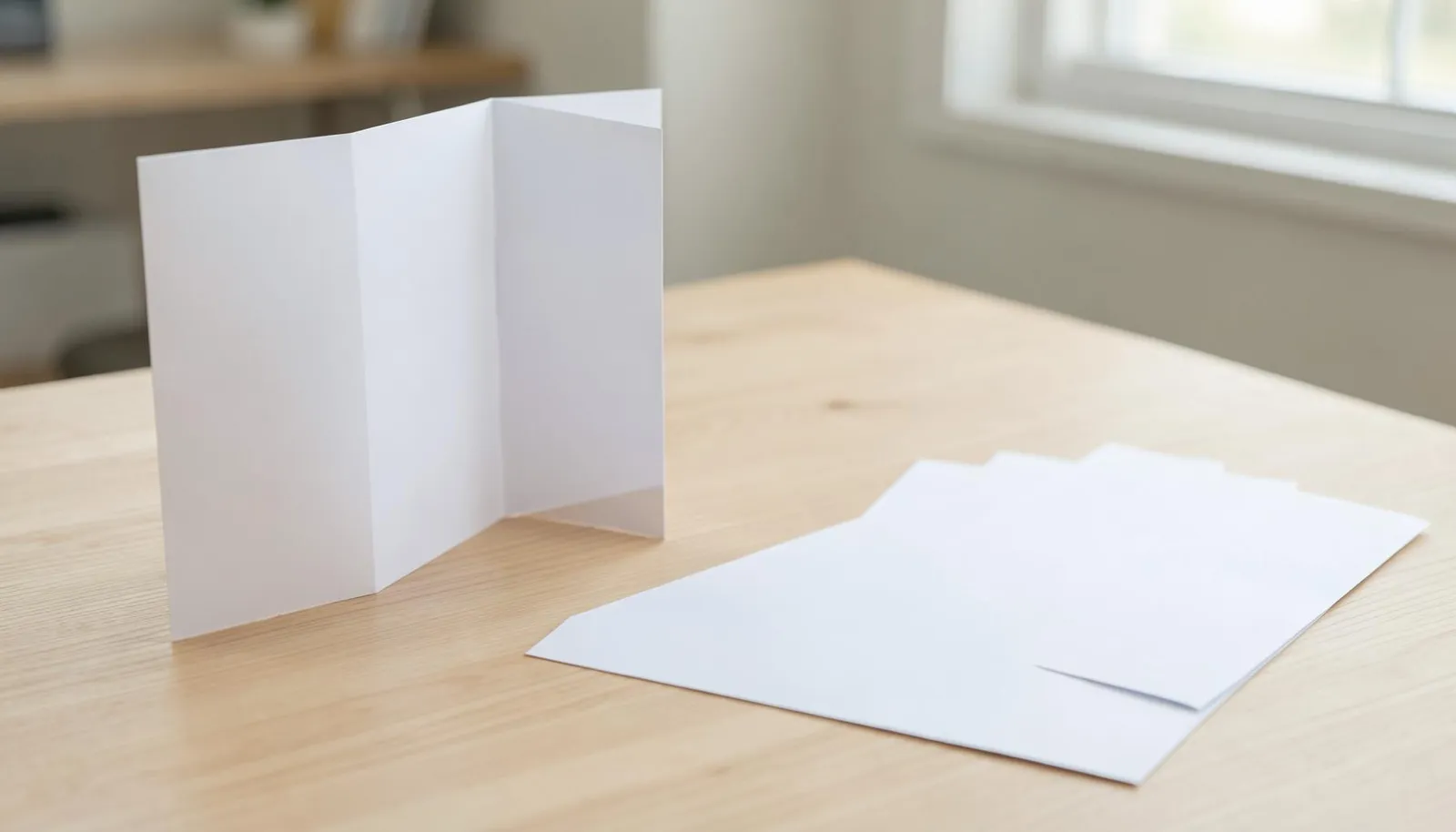
Tri-fold (letter fold). One letter-size sheet with six panels. It folds down to fit a rack, a pocket and a standard #10 envelope. Every reader already knows how to open it. This is the default, and choosing it is not a compromise. It is the format your audience is most fluent in.
Bi-fold (half fold). Folds once into four larger panels. You get fewer sections and more room per section. Use it when the content is carried by photography or a small number of bold statements rather than dense copy, such as real estate listings, portfolios and event programs.
Z-fold. Folds into an accordion so the panels alternate direction. Each panel stands more independently than in a tri-fold. That suits a sequence the reader should move through in order: a process, a timeline, a set of steps, a before-and-after.
Gate fold. Two outer panels open like doors onto a wide inner spread. It is a reveal, and it reads as a premium choice. It’s worth it for a launch, a signature service or a high-end listing, not for a routine handout.
Folded vs. flat
Every quantity that matters is folded by machine. Hand-folding a few hundred brochures is slow and the crease is never square. When you order a folded brochure from us, the fold is part of the job and the piece arrives ready to use. If you would rather fold in-house for a specific reason, order the flat size as a flyer and skip paying for a finishing step you are not using.
How should you lay out a tri-fold brochure?
Give each of the six panels one job. The front panel earns the open. The back panel carries contact details. The inside flap delivers a single benefit or offer. The three inside panels walk through the problem, your solution, proof and one clear call to action. Write every panel for the customer, not the company.
Working from the outside in:
- Front panel: the cover. One headline, your logo, one strong image. Its only job is to earn the open.
- Back panel: what people see when the brochure sits face-down on a counter. Contact details, a QR code, your tagline, any credentials. Put the phone number and website here and somewhere inside, because you do not control which panel a reader sees first.
- Inside flap (the panel that tucks in): often the first thing seen on opening. A single benefit statement, a key number or an offer.
- Three inside panels: the body. Problem, then what you do about it, then proof, then one clear call to action. Just one. Multiple asks lower the response rate on every one of them.
“Behind on permits?” pulls a reader in; “Welcome to [Company Name]” does not.
How many brochures should a small business order?
Most small businesses land between 500 and 1,000 brochures for a first run. The common mistake is ordering for the next event instead of the whole distribution period. Add up racks, trade shows, meetings, referral partners and mailers across a quarter, and order that amount. Running out mid-campaign costs more than ordering a larger run.
A realistic first run for a small business:
| Use | Quantity to plan for |
|---|---|
| Rack or counter display | 50–100 per location, replenished monthly |
| Trade show or expo | 200–500 per event |
| Sales and listing meetings | a small handful per meeting |
| Referral partners’ counters | 50–200 per partner |
| Direct mail insert | your full mailing list |
The per-piece cost falls sharply as the quantity rises, so the gap between a small run and a comfortable one is smaller than it looks. It is also smaller than the cost of a rush reprint because a rack ran dry during a campaign. For a sense of scale, 100 tri-fold brochures at 8.5×11, printed both sides, currently cost $111.26 . A run of 500 tri-fold brochures at 8.5×11, printed both sides, costs $194.90 .
“Nobody calls us upset that they have a couple hundred brochures left at the end of a quarter,” says Manny Torres, CEO of 360 Print Studio. “They call because a rack ran dry in the middle of a campaign and they need a reprint on a rush. Ordering for the distribution period instead of the next event is the cheapest decision in the whole job.”
What file setup keeps a brochure run on schedule?
Send a print-ready PDF built at the flat, unfolded size, in CMYK, with 1/8-inch bleed. Keep text about 1/4 inch inside the trim and clear of the folds, and use images at 300 DPI. You do not need to design the brochure to order it well, but the file has to be right.
Five things matter:
- Flat size, flat layout. Build the file at the unfolded sheet size, with the panels laid out as flat rectangles in reading order. Do not try to bake the fold into the file. Note the fold type on the order and let production impose it.
- Bleed. Add 1/8 inch on every edge, so background colour and images run off the trim cleanly with no white slivers.
- Safe margin. Keep text and logos about 1/4 inch inside the trim and clear of the fold lines. A headline that lands on a crease is hard to read.
- Colour. Use CMYK, not RGB. Screen colours shift in print, and a file left in RGB is the most common reason a proof comes back looking wrong.
- Resolution. Images should be 300 DPI at final size. A photo pulled from a website looks fine on screen and blurry on paper.
Templates for each fold and size are on the brochures product page. Starting from one is the surest way to get the panel boundaries and fold placement right the first time.
100 tri-fold brochures · 8.5×11 · printed both sides $111.26 Configure & order →Where do brochures fit alongside other print pieces?
A brochure is the piece you hand across a table or leave on a counter when a flyer is too thin for the message. It earns its place once the reader has already decided to pay attention. That might be after a postcard opens the conversation, or inside a presentation folder that goes with a proposal.
For a proposal or a listing packet, a brochure usually rides inside a presentation folder with a business card and a one-page summary. For a mailed campaign, a postcard opens the conversation and the brochure follows once there is interest. Match the format to the moment.
Ready to order premium brochures?
Get instant pricing →Frequently Asked Questions
Does a brochure have to be folded?
No. A flat, unfolded printed sheet is a flyer. A brochure is defined by the fold — the fold is what creates panels and lets a reader move through the content in a set order. If you order a brochure and plan to fold it yourself, order a flyer instead and save the finishing step. If you want it delivered folded, that is a production choice you make at order time.
What fold is best for a small business brochure?
The tri-fold (letter fold) is the default for a reason: six panels from one letter-size sheet, fits a standard rack and a #10 envelope, and every reader already knows how to open it. Choose a bi-fold (half fold) when you want fewer, larger panels for photography, and a Z-fold when the content is a sequence the reader should move through step by step.
How many brochures should I order?
Order for the whole distribution period, not the next event. Running out mid-campaign costs far more than the difference between a small run and a larger one, and the per-piece cost drops sharply as the quantity goes up. For most small businesses a first run of 500 to 1,000 covers a quarter of racks, meetings, and mailers.
Can a small print run be folded by machine?
Yes. Folding is done on a machine for any quantity that matters — folding a few hundred brochures by hand is not practical and the crease is never as clean. When you order a folded brochure, the fold is part of the job, not something you do afterward.
What paper is used for brochures?
A text-weight gloss or matte stock is standard: heavy enough to feel substantial, light enough to fold cleanly without cracking along the crease. A cover-weight stock can crack on the fold unless it is scored first, which is why most brochures use a text weight.
What file setup do you need?
A print-ready PDF at the flat (unfolded) size, in CMYK, with 1/8-inch bleed on every edge and important text kept about 1/4 inch inside the trim. Set the file up as flat panels in reading order and note the fold type on your order — do not try to impose the fold in the file yourself.